

THE CHALLENGE
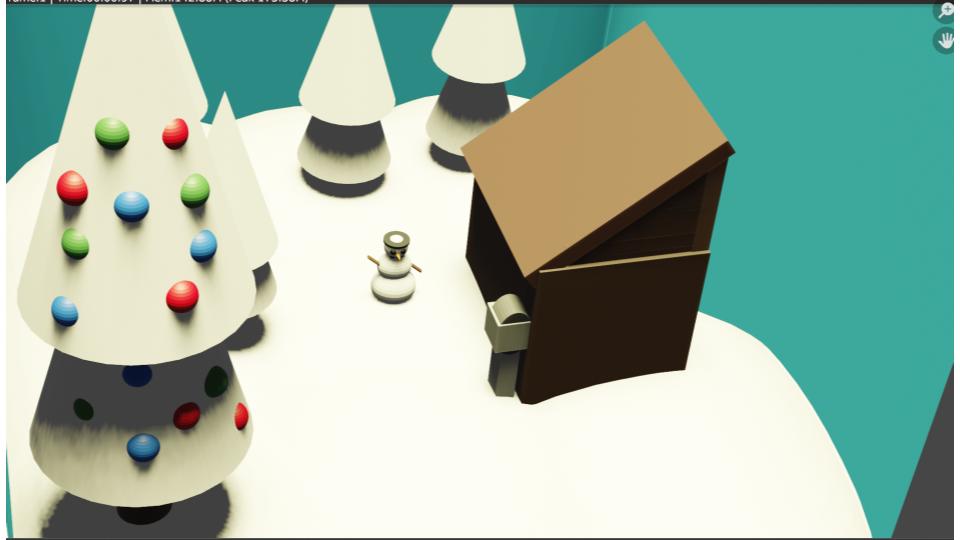
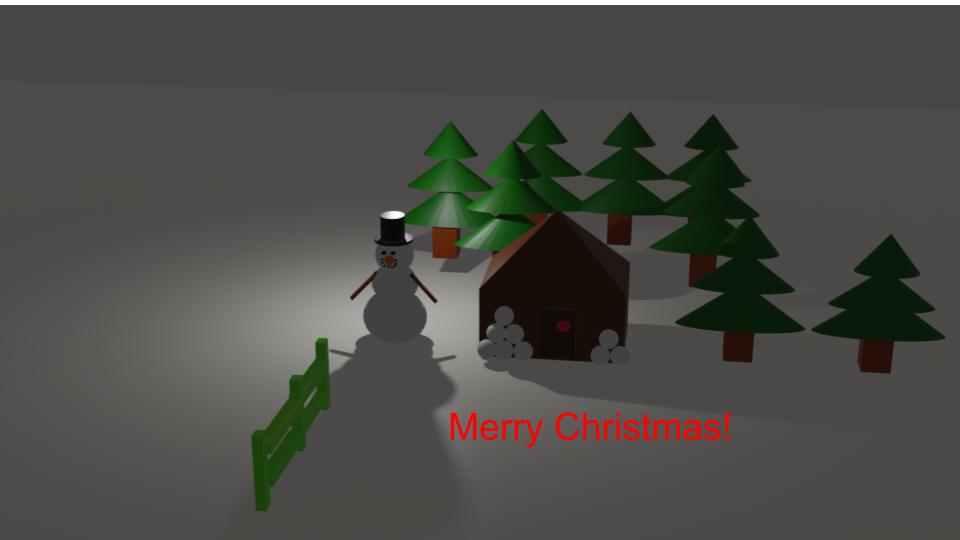
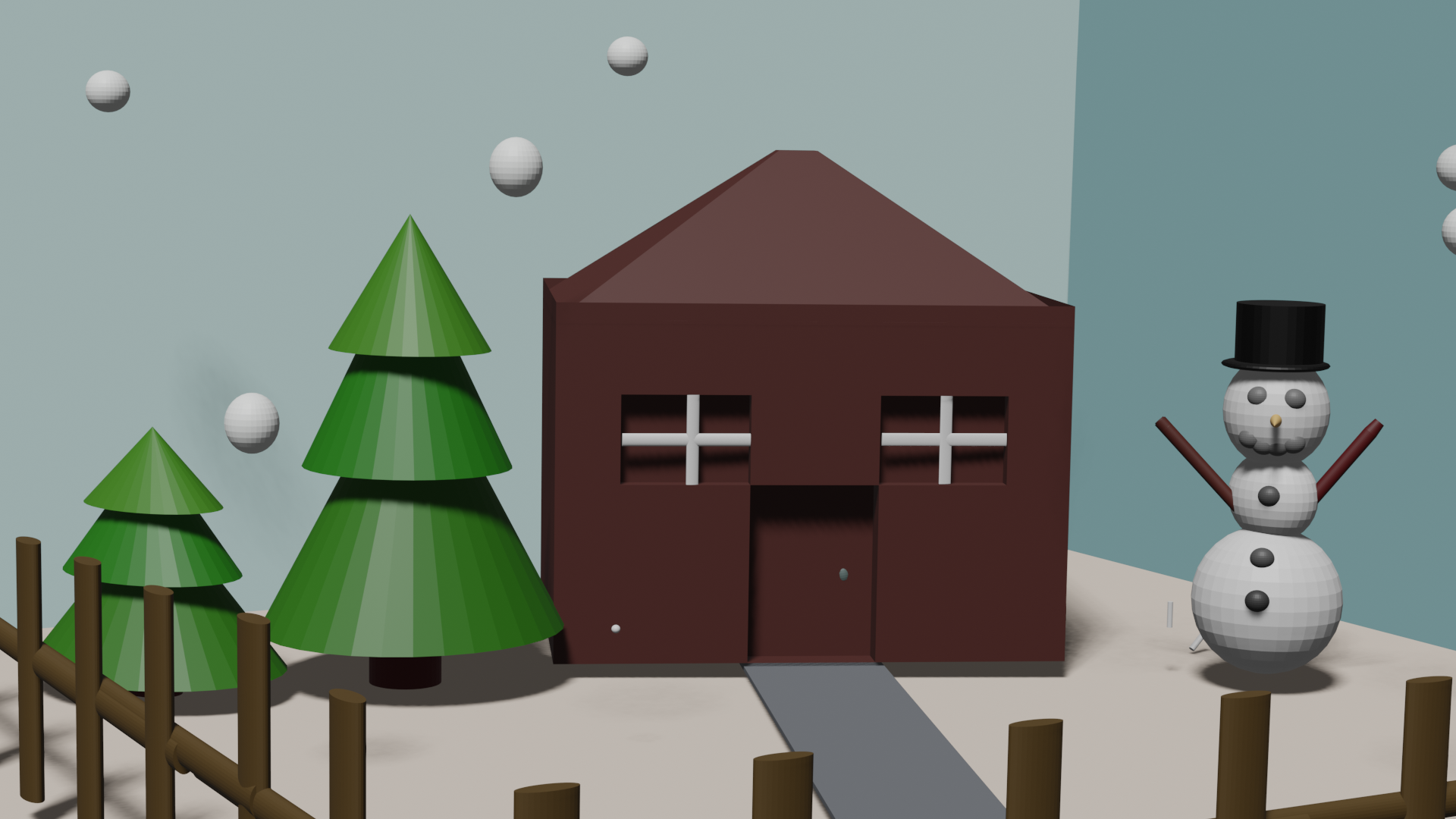
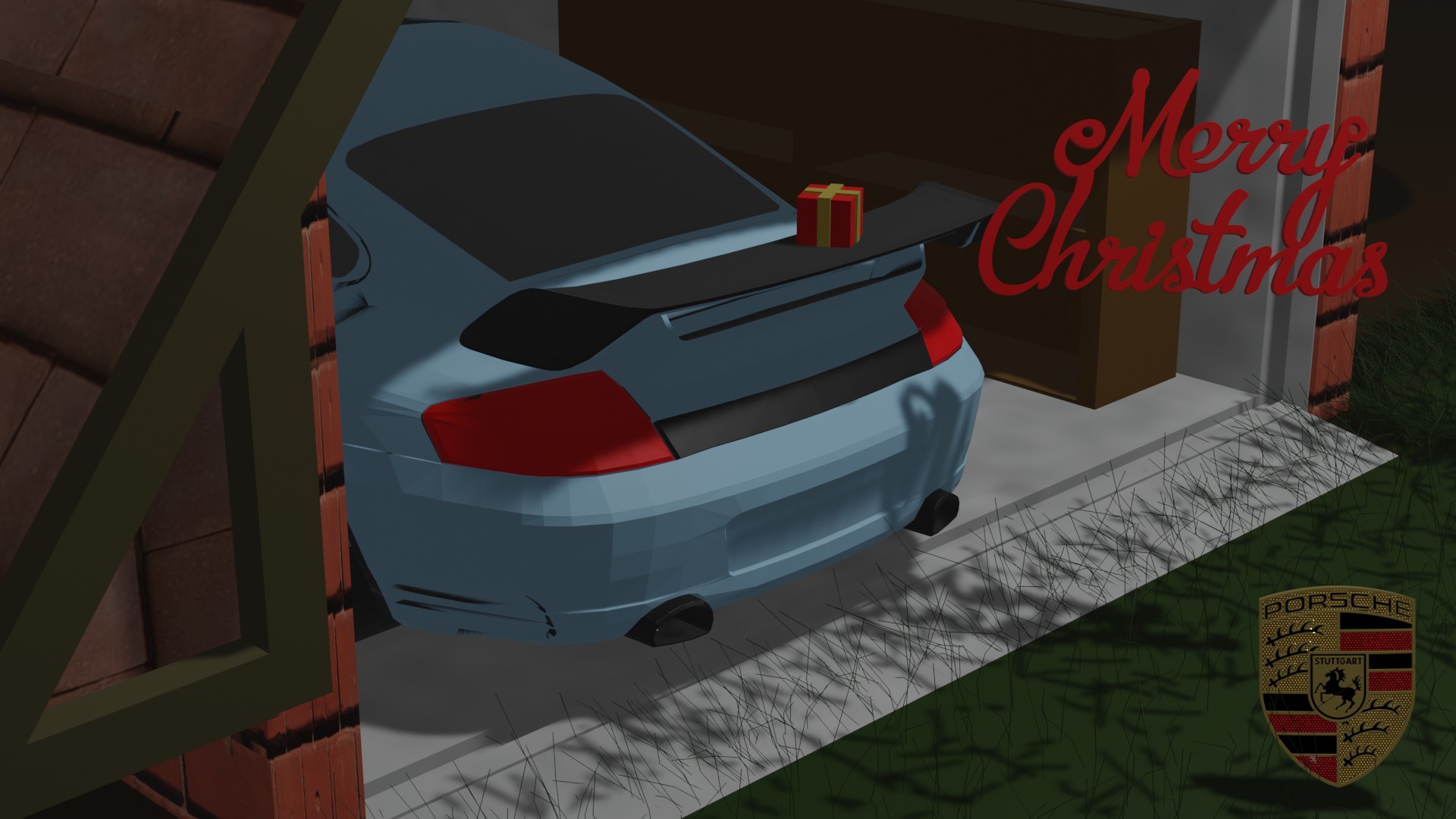
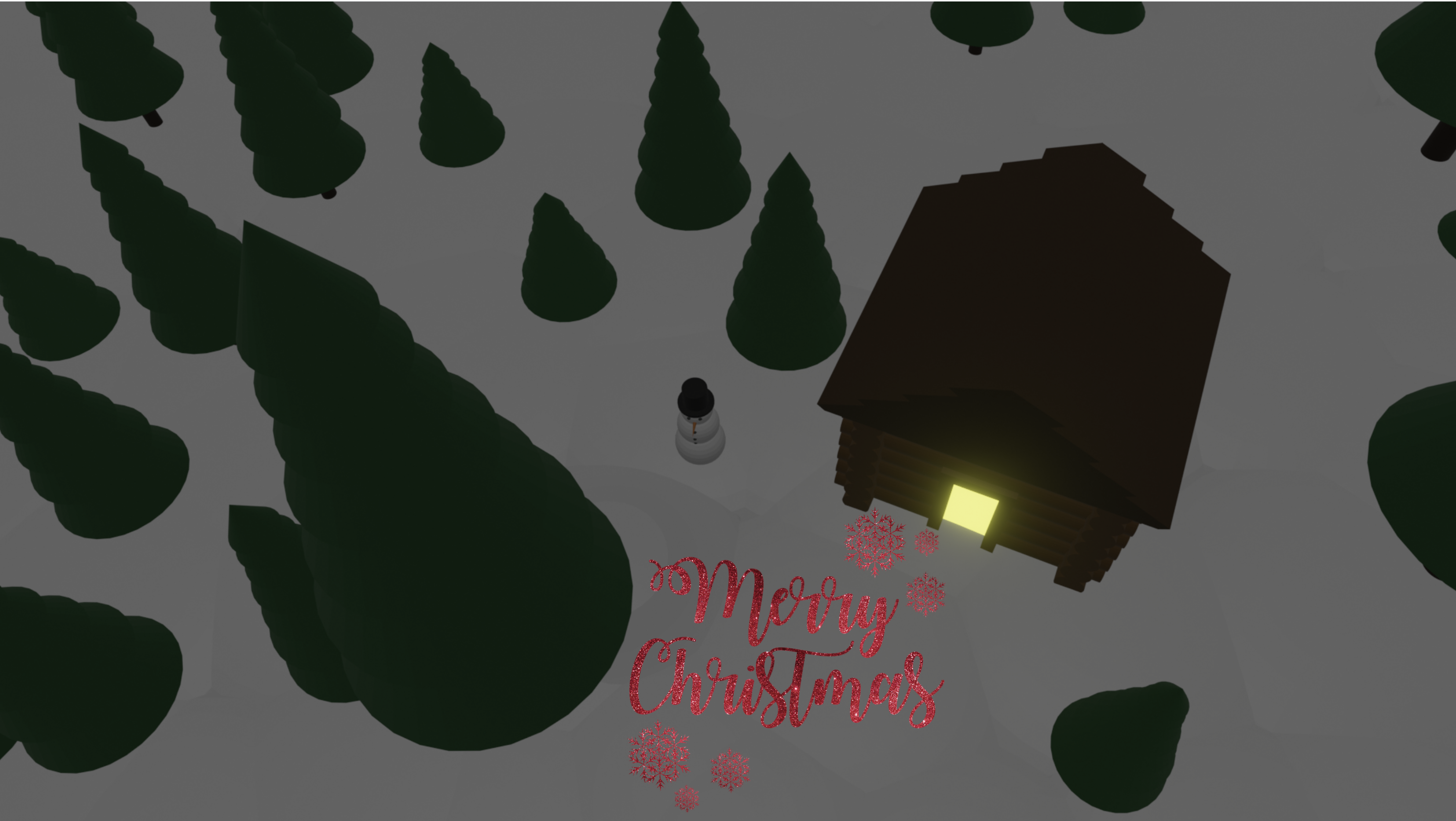
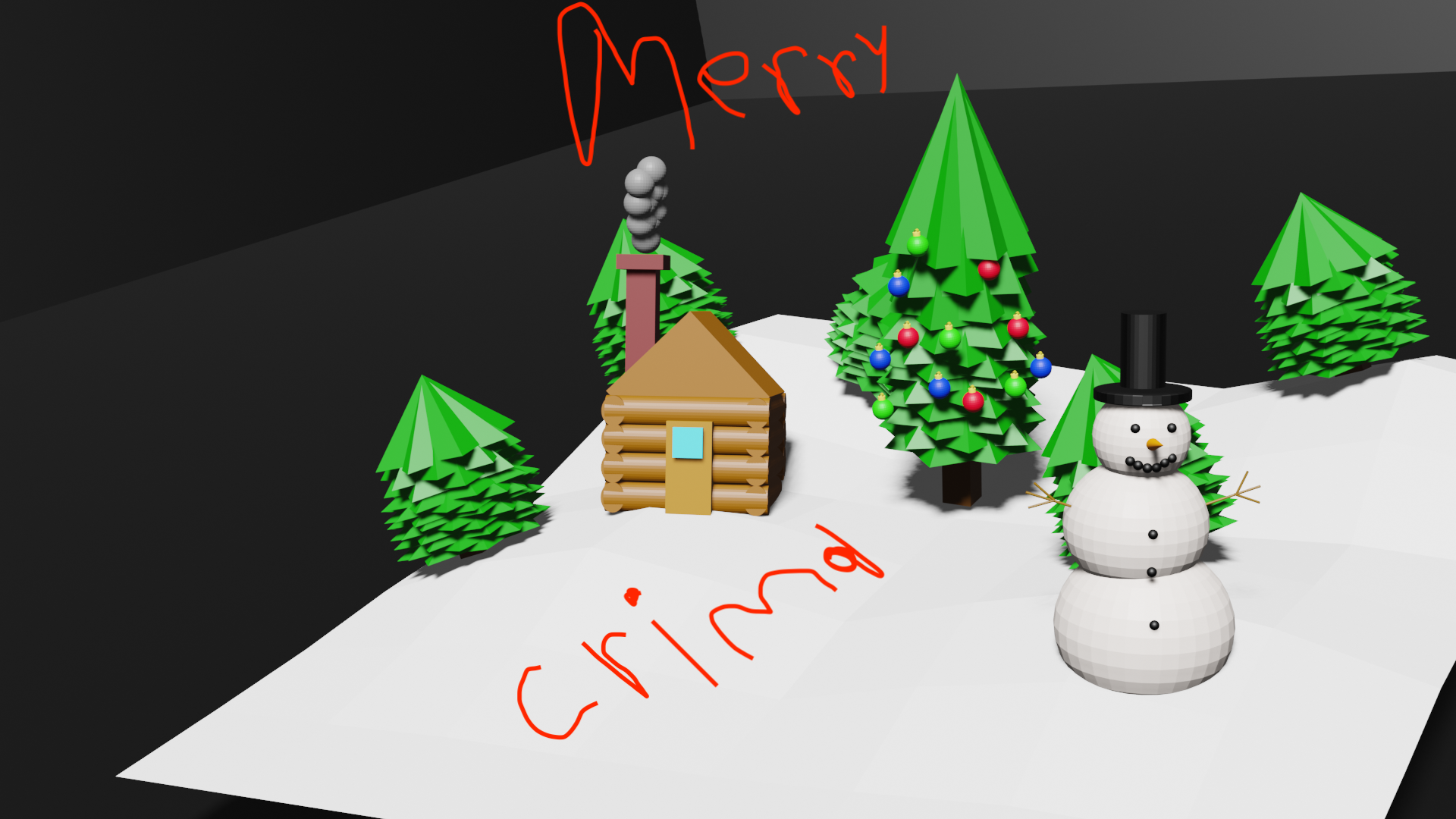
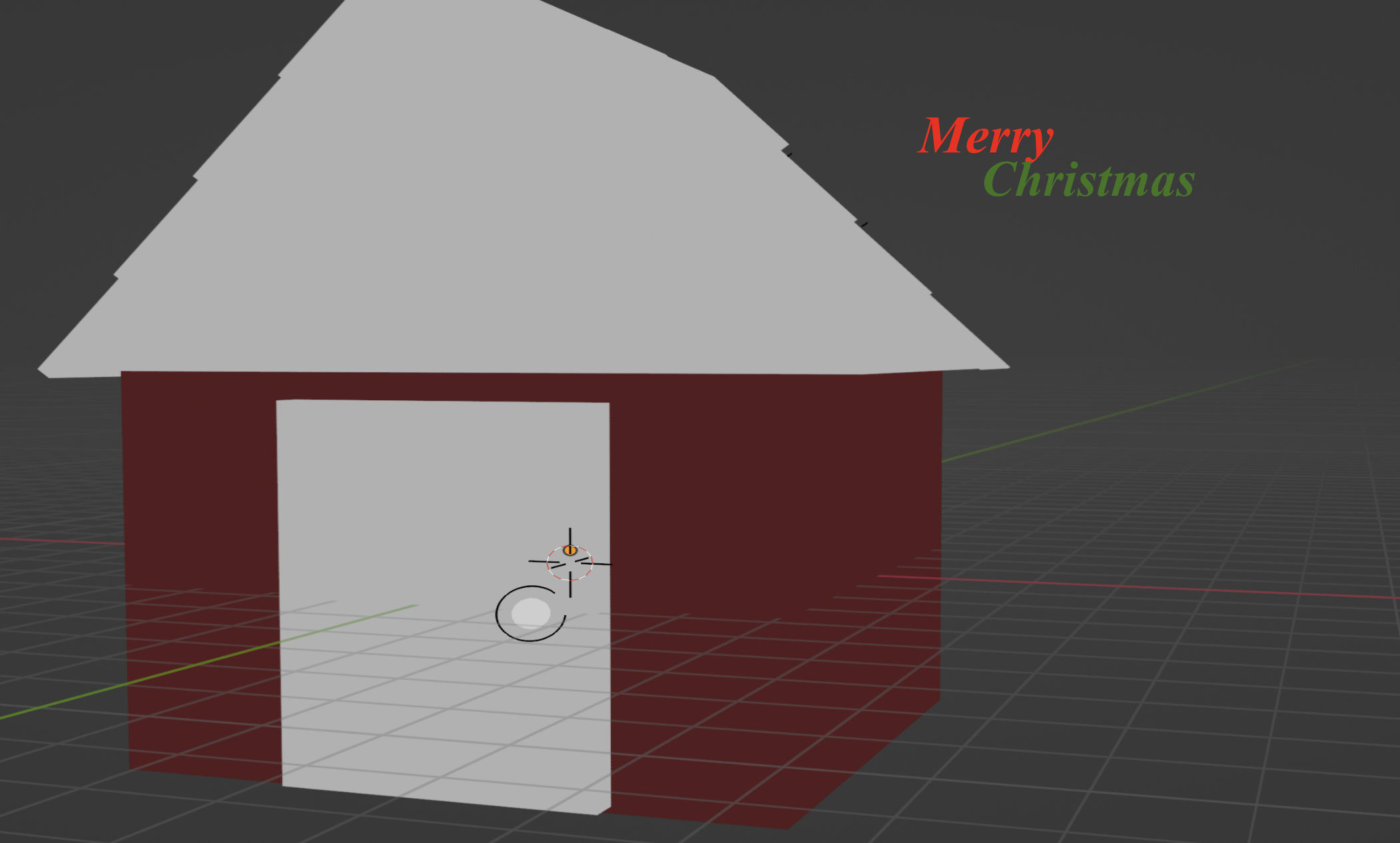
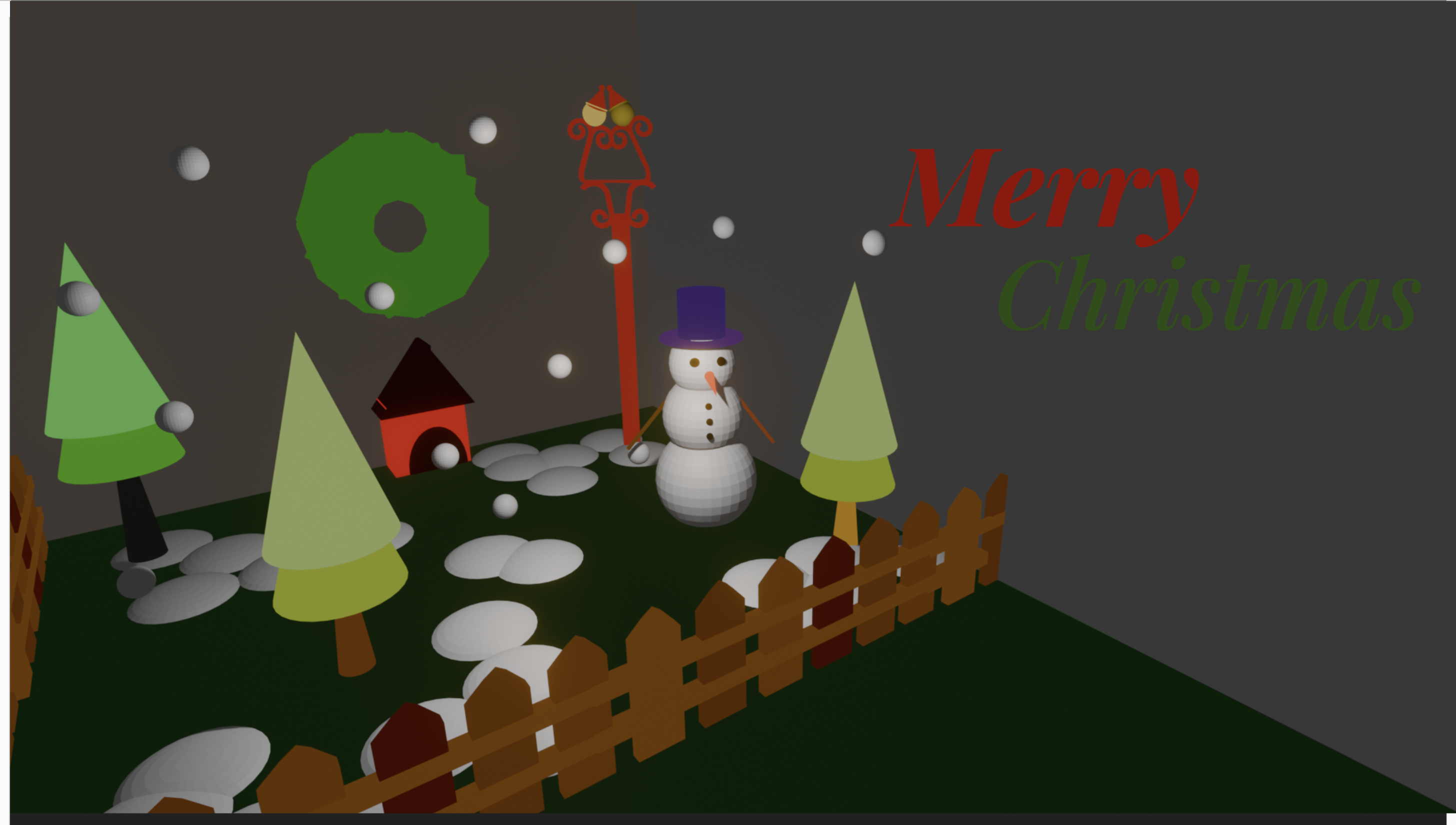
In this challenge, students will have to create a low poly postcard scene outdoors. Students must submit a Rendered PNG Postcard Scene with a minimum of 5 objects that they have created.
Have a look at the example below showing what the final project will look like.
STUDENT EXAMPLES – CLICK TO VIEW MORE





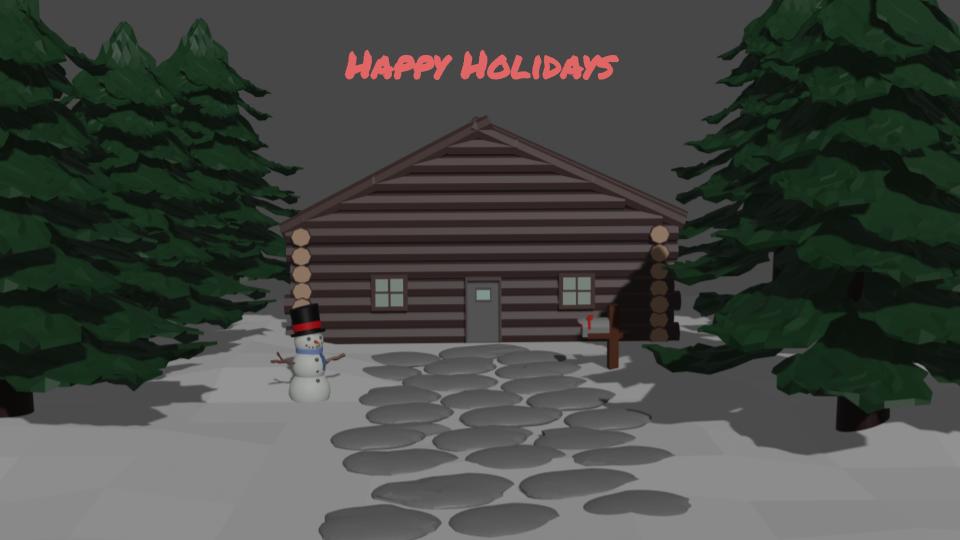


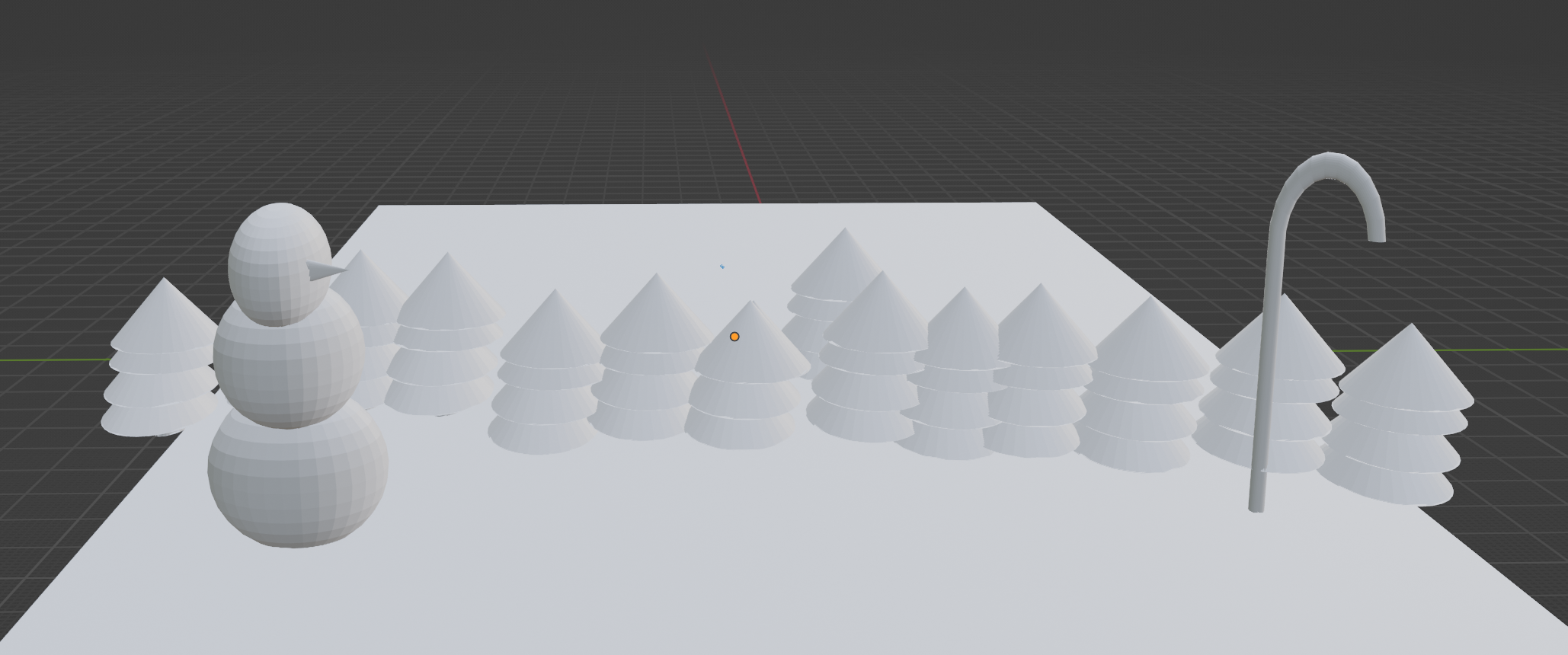
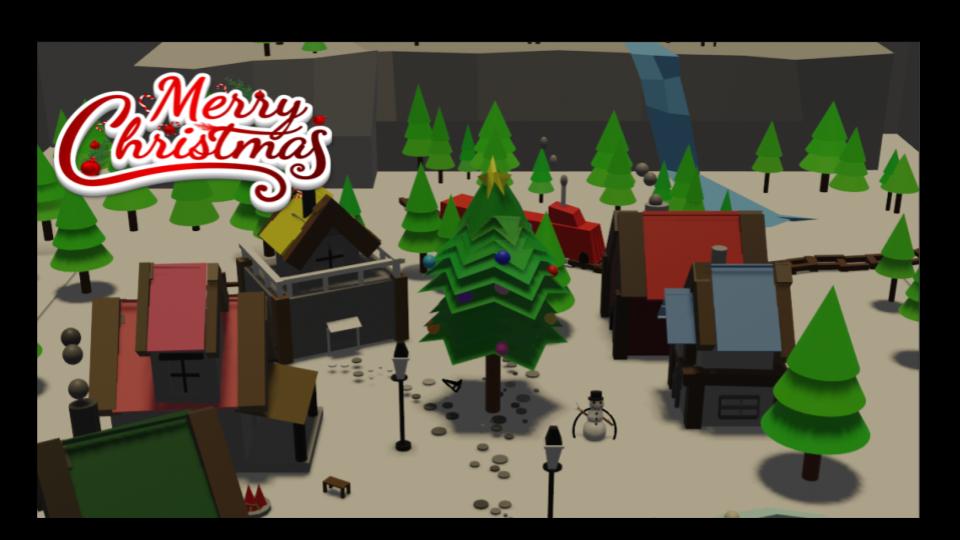
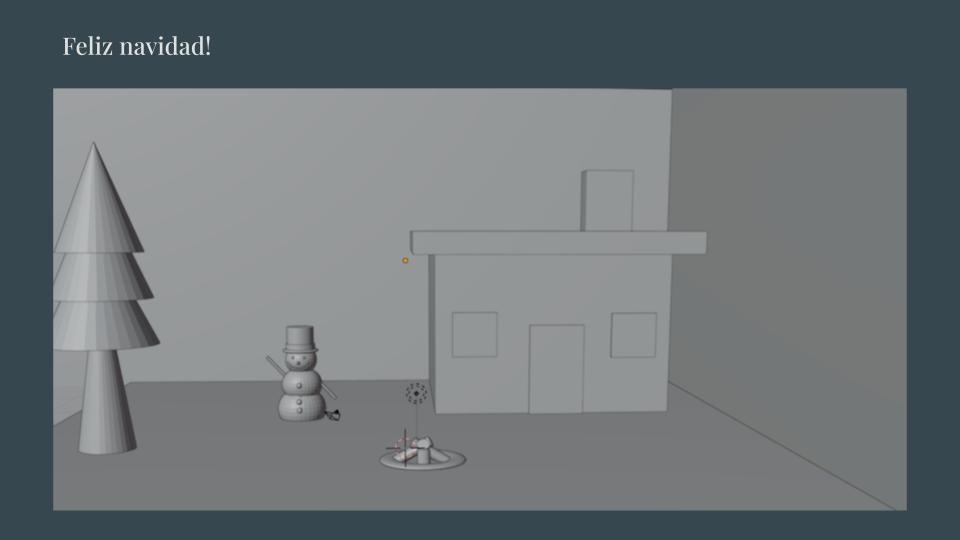

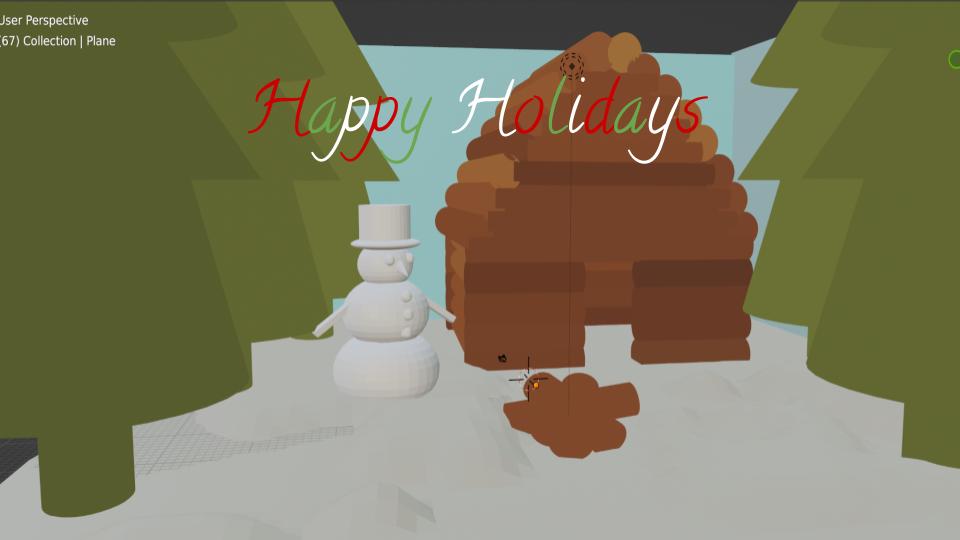

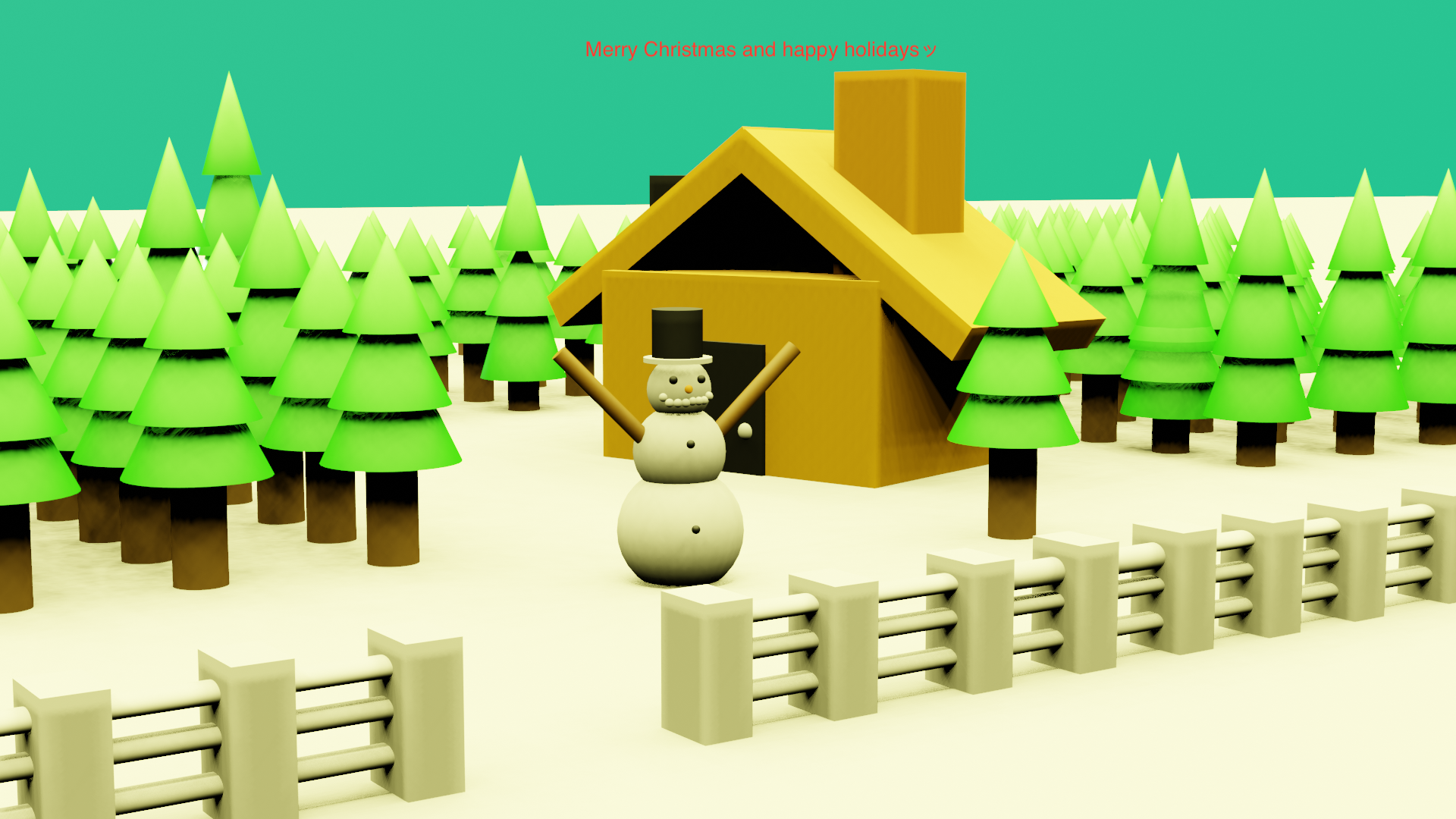
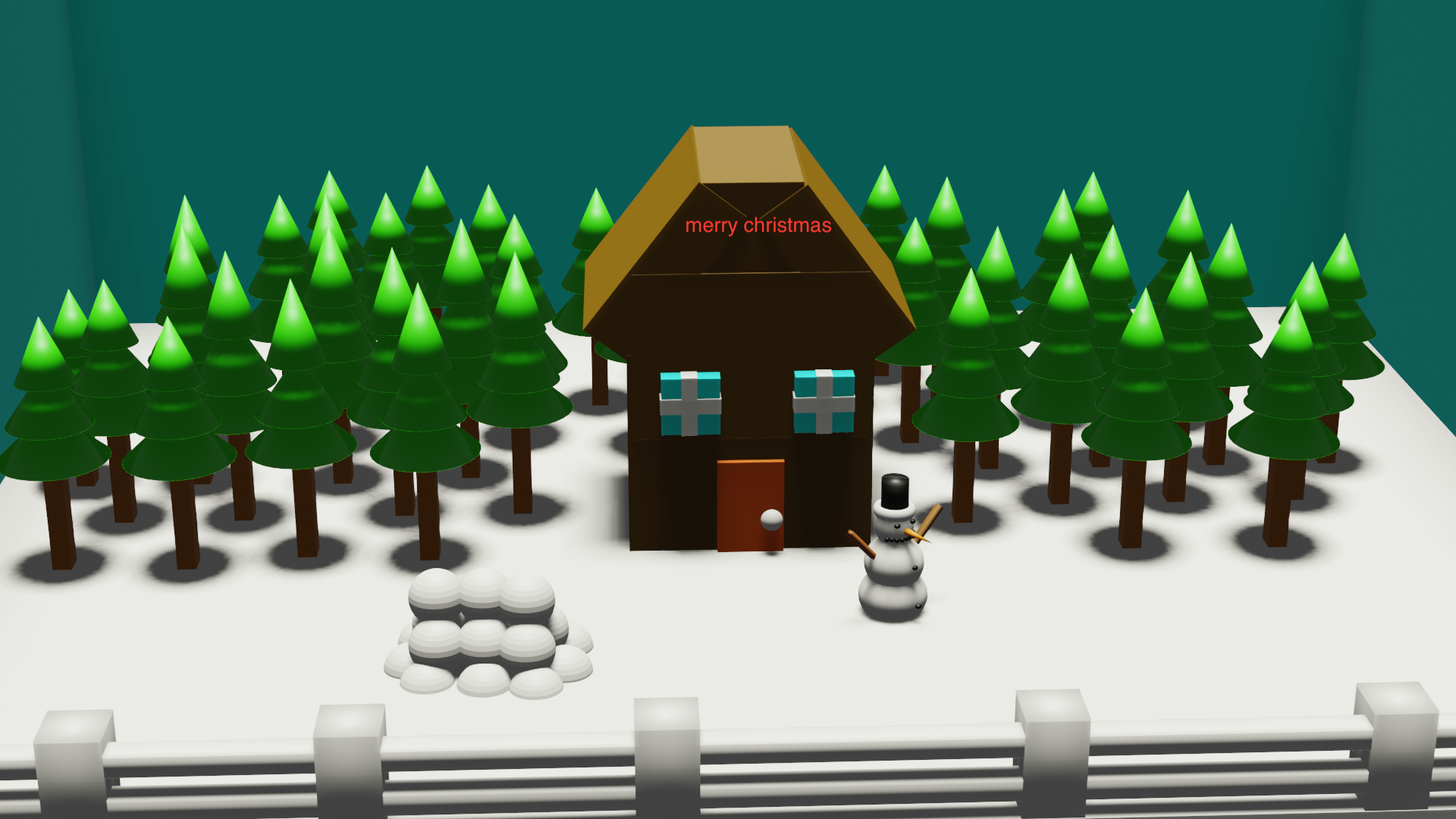

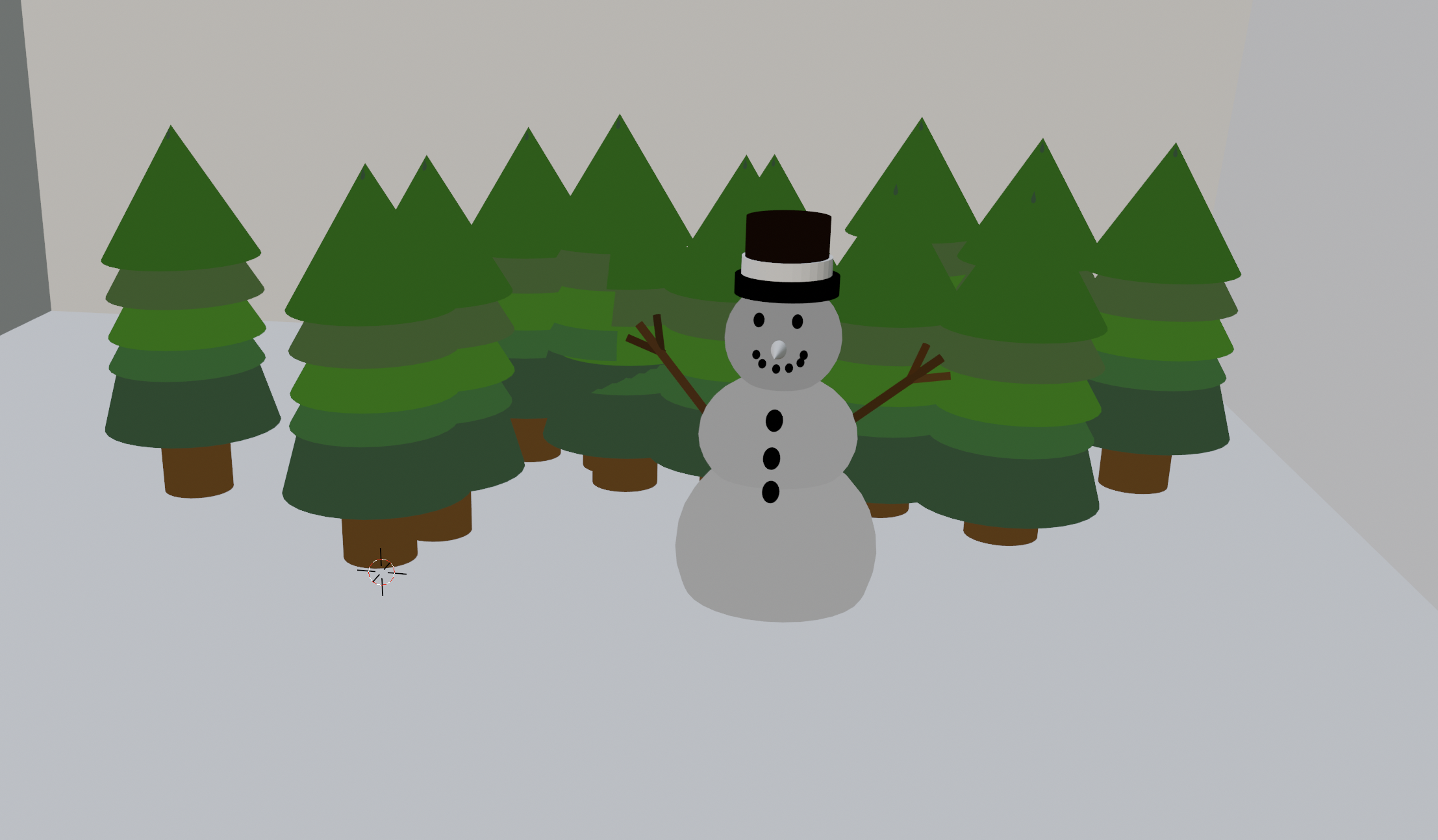

BEFORE YOU START…:
Make sure you do your research. You should take a moment to start a google slides show with your planning outlining the various stages.
THE ASSIGNMENT:
DIRECTIONS:
Create a Low Poly Scene
Students choose Theme according to interest. They must output a rendered image that will be a Post Card Image for print.
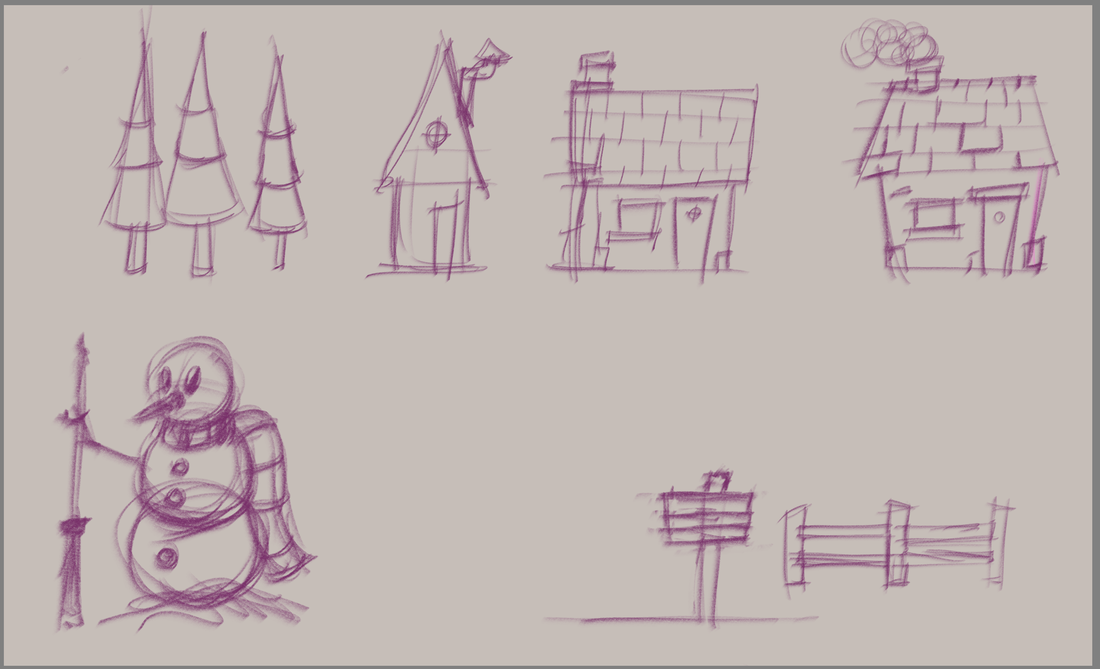
CHALLENGE: Students have to create a scene, built on research, concept sketches, incorporating simple shapes and geometric elements, progressing to a 3D Environment to build their proposed scene. They must use simple low polygonal primitives, box modelling and extruding techniques to implement all necessary elements, including adding simple colours and lights, that goes into your built final shot.
Students are required to place all the elements in a framed shot, using principles of Composition, Framing, Rule of Thirds, and Hierarchy of Information to communicate their proposed Post Card Scene.
Theme Options: Snowman with a hut and trees, Santa’s village, Clock Tower village, a Minecraft Scene build with Cubic Forms, a city scene with buildings with the addition of a space ship and or a robot, or possibly a scene from a story, movie or a scene from game that they are interested in. A proposal must be submitted in the form of a slide show outlining all elements and get approval prior to starting. You must have at least 4 elements (models) in your scene with equal difficulty. Consider an indigenous approach for this project as well.
SUBMIT: A GOOGLE SLIDES link in the comments section of Google Classroom.
STAGE 01 – “THEME”
Slide 1 – Name and Project title “POSTCARD”
Slide 2 – Description of your “THEME”.
Q1: What is your concept theme that you will make in blender?
STAGE 02 – “RESEARCH AND ANALYSIS”
Slide 3 to Slide 7 – List and grab REFERENCE images or draw your images of your models that you will be modelling. You must have at least 3 reference examples per model. You need to model 5 objects in total.
Q2: What are the 5 items that you need to create your scene?
Ex: If you have a scene that needs a Christmas tree, you should have a min of three references for a Christmas tree.
You can use these links for research.
Links to various artists
https://www.artstation.com/artwork/zAPGKQ
https://www.behance.net/denisova_anna
https://www.artstation.com/artwork/Ag6Km
https://www.artstation.com/artwork/QBKP3
https://www.artstation.com/artwork/0rY3G
STAGE 03 – “IT’S TIME TO MODEL”
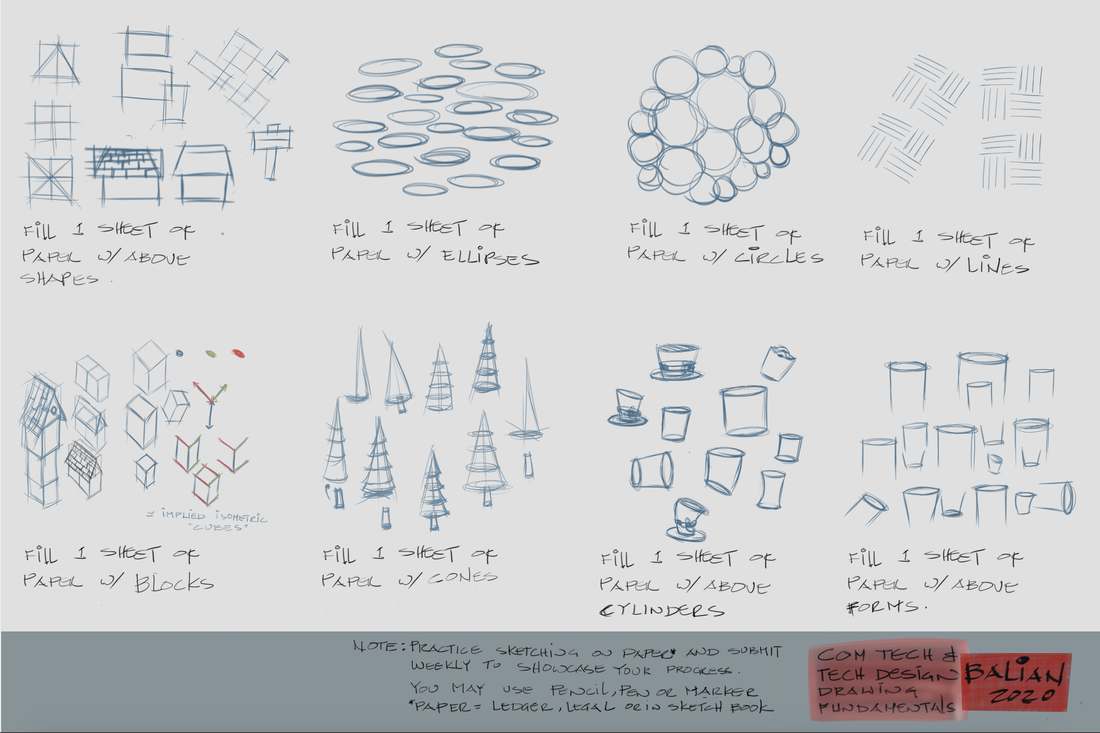
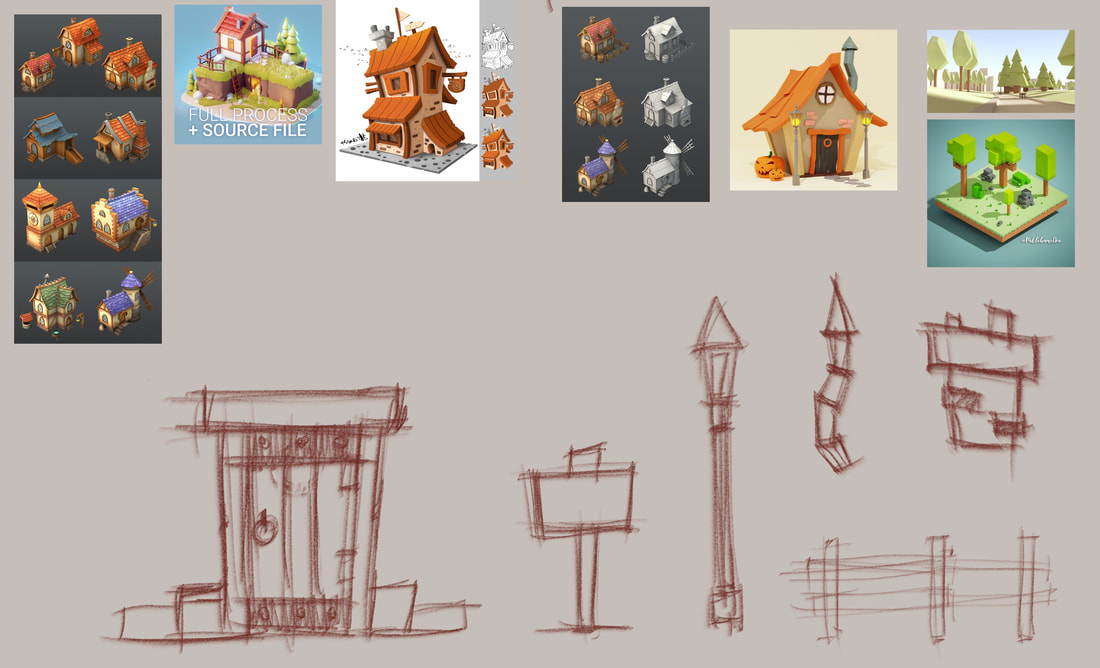
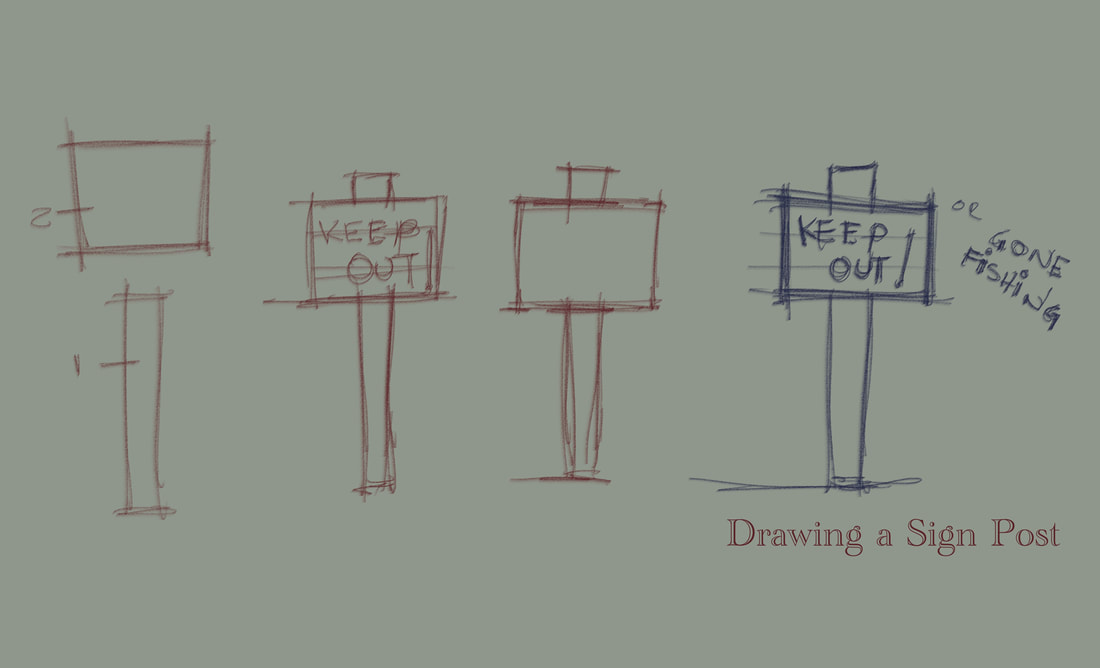
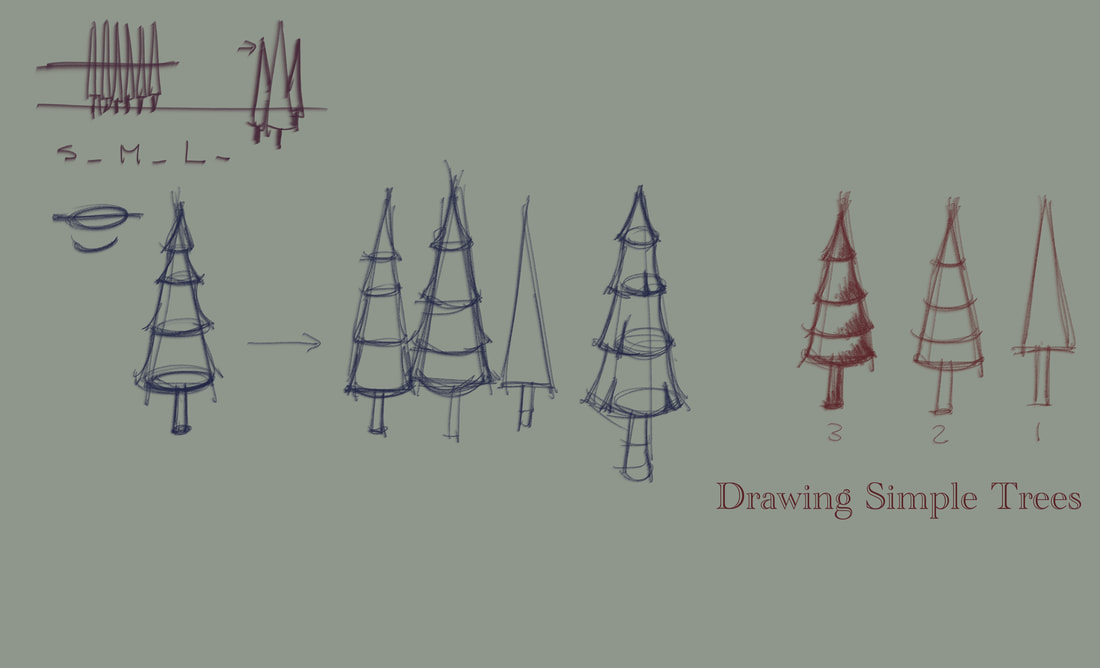
Model all your elements. Below are images from Alexi Baliani – an artist who has created this amazing project.

STAGE 04 – “RENDERING”
Render out an image from blender using the video below.
SUBMISSION
Please see a student example below of the final submission for the slide show in google slides.
ASSESSMENT & EVALUATION
GOOGLE SLIDES SHOW BREAKDOWN
Slide 1 – Name and Project title “POSTCARD”
Slide 2 – Description of your “THEME”
Slide 3 – Object # 1 “Name” and you should have 3 reference pictures.
Slide 4 – Object # 2 “Name” and you should have 3 reference pictures.
Slide 5 – Object # 3 “Name” and you should have 3 reference pictures.
Slide 6 – Object # 4 “Name” and you should have 3 reference pictures.
Slide 7 – Object # 5 “Name” and you should have 3 reference pictures.
Slide 8 – Reflection – write up a 3 – 5 sentence paragraph outlining the following questions:
- What challenges did you face while creating your 3D postcard scene in Blender, and how did you overcome them?
- Which tools or techniques in Blender did you find the most useful, and how did they help you achieve your creative vision?
- How did you approach the design and composition of your postcard scene to make it visually appealing and meaningful?
- What would you do differently if you were to recreate this project, and why?
- Research if you do not know already know the answer to the following question:
- How has learning 3D modeling, design and animation help you with future skills especially through real-world applications or your future goals?
 Remtech Studio