
THE CHALLENGE
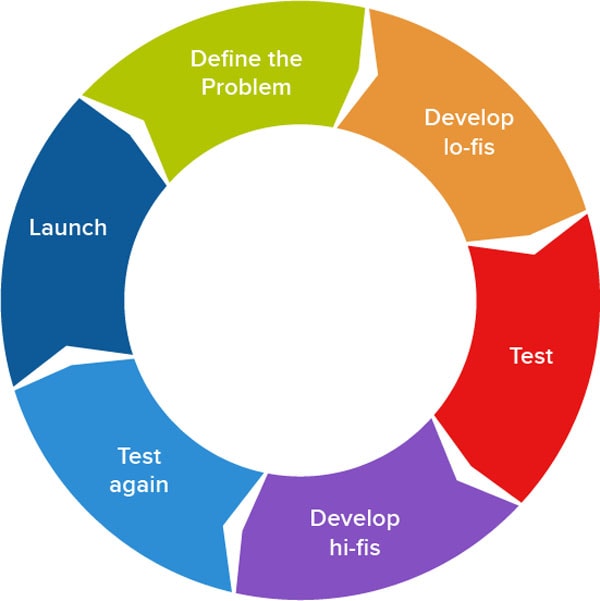
In this challenge, students will use the design process to create a box style car. Students will be taken through the design process, create a brochure, and then build the car in Blender 3D. Using this design, they can then print their car using a 3d printer and or make a game using Unity or Unreal Engine.
BEFORE YOU START
SLIDE 01: LOW POLY TOY CAR
Create a Google slideshow – Make sure this is SLIDE 1 and create your title and name.
STEP 02: RESEARCH
Research your design
GOOGLE “low poly car toy design”
- In slide 2, place your title as RESEARCH.
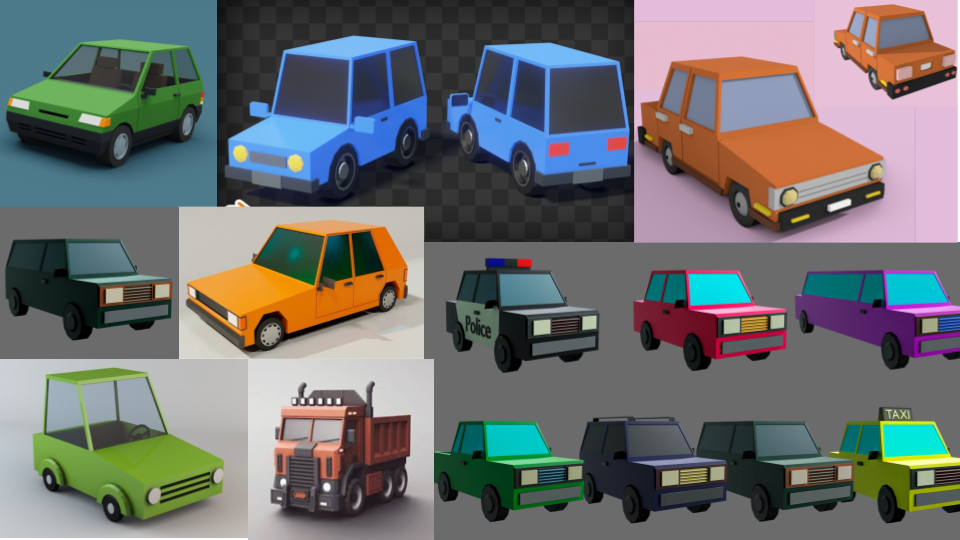
- Download and create a slide like I have below – outlining several types of images of LOW POLY CARs based on your research.
SLIDE 03: ORTHOGRAPHIC DRAWINGS
Complete a slide with a min of two sides of orthographic drawings. They should be in scale just like your pencil sharpener.
Below is not an orthographic drawing but a representation of how your slide should look. The drawing is simply to help with making sure your idea is solid.

STEP 04: 3D FINAL RENDER
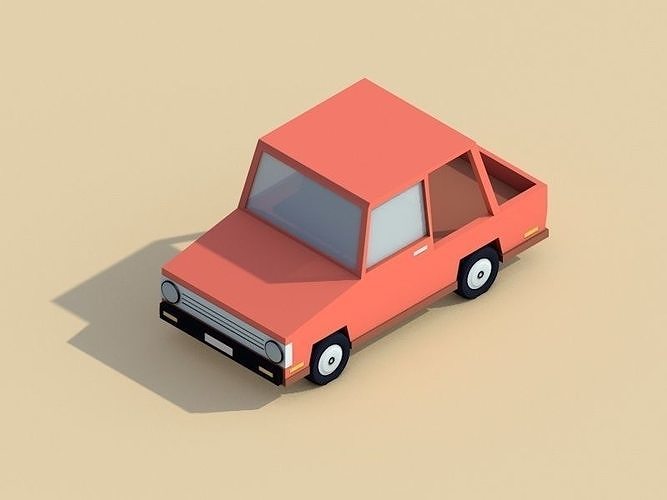
In this slide you must have a 3/4 render with a background being a solid colour. See my example below.
STEP 05: REFLECTION PARAGRAPH
In this paragraph, you must outline how you used the research to create your final product. You must also answer these two specific questions.
- How did my research influence my design, and what went well in the project.
- How could I have done better if I was given the opportunity again.
STEP 06: THE END
You can thank anyone you would like in this ending screen. You could also write “THE END if you wish.
SUBMISSION:
You must submit the following in google Classroom:
- SLIDESHOW (ALL 6 SLIDES)
- A PNG of your Final rendered image. “LOWPOLY_CAR_NAME.png”
- Original BLENDER file with the correct name. “LOWPOLY_CAR_NAME.blend”
 Remtech Studio