
THE CHALLENGE
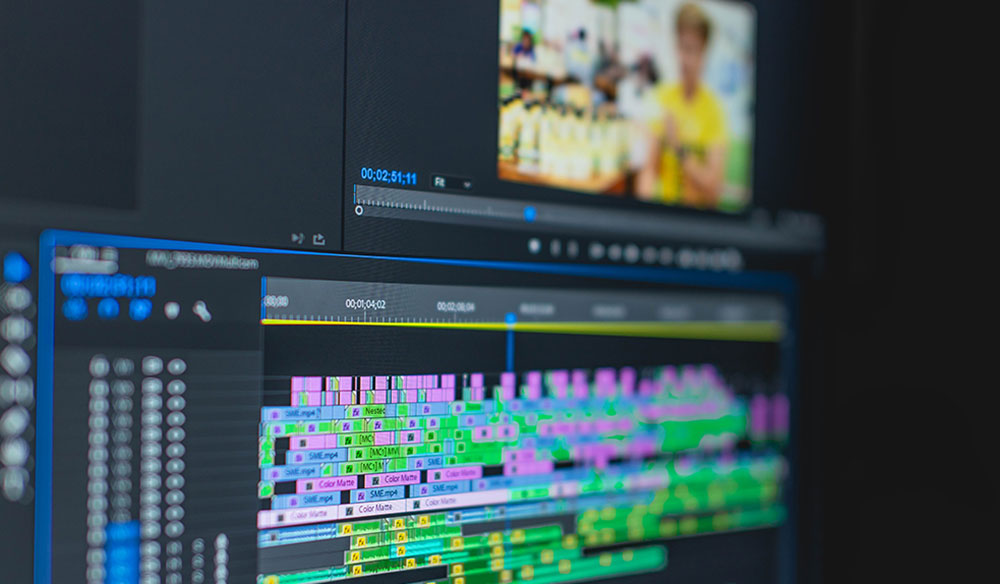
In this lesson, students will be able to import, edit, and render out a full video for viewing.
STEPS AND PROCEDURES
STEP 01:
Download all your files, and create a folder structure. Please see STEP 1 video in resources BELOW. If you need a PDF one is also provided below the STEP 1 video
STEP 02:
Now go ahead and edit your video using the VIDEO EDITING tools. A video is provided in Resources below.
RESOURCES
STEP 01: FILE SETUP
Below is the Step 01 instructional video. You can also download a PDF of the instructions here.
STEP 02: EDITING
Below you will find all the necessary instructions to edit your video.
STEP 03: RENDERING A VIDEO
We must allow a rendering of a video in order to view the final product. Below is your video on how to achieve this.
DELIVERABLES
EDITING CLIPS:
Avoid edits that disrupt flow (i.e. outtakes, false starts, stunted action etc.). Shots are assembled in sequence with smooth flow, use of appropriate transitions & maintain
appropriate pace.
SOUND:
Can you hear the dialogue? Are the sound FX effective & audible? Does the music convey the emotion you want the audience to feel? Dialogue, music & sound FX are balanced. Music & sound FX are appropriate to the action & create a mood or emotional state.
TEXT:
Good choice in text format, color, and font. Text is readable and free from Grammatical Errors.
 Remtech Studio